
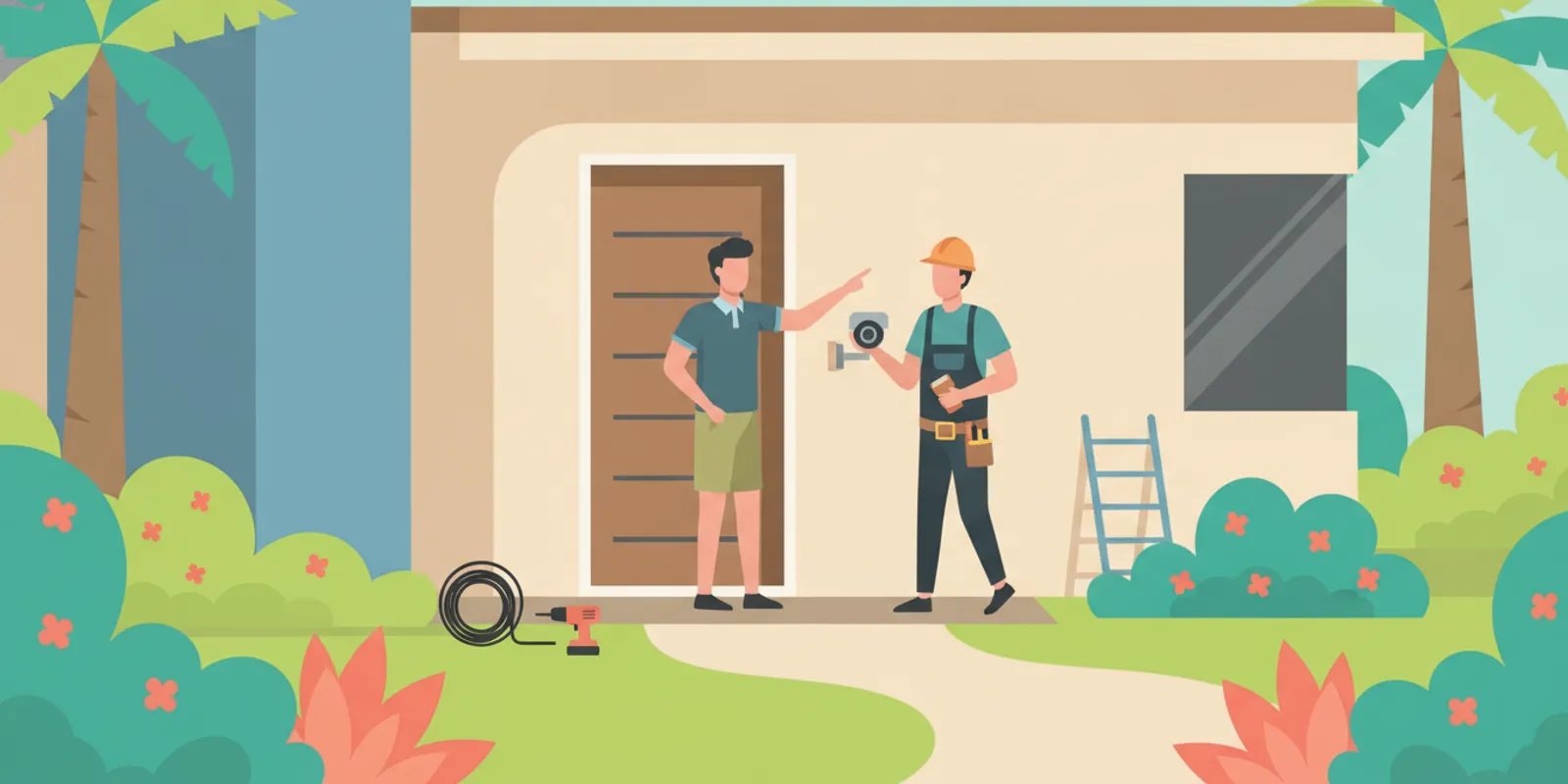
Planning security camera installation involves more than choosing a device and deciding what it should see. You also need to understand how each camera will receive power, where cables can run, and whether the proposed locations work with the building and network. A little preparation helps you compare wired and battery-powered options and identify electrical questions before equipment is mounted.
Discuss your camera installation electrical needs
What should you decide before choosing camera locations?
Begin with a short list of the areas you want to monitor and why each area matters. A front entry, driveway, side passage, loading area, or place where equipment is kept may call for different views. Think about the useful detail you want to capture, not simply the number of cameras. A wide view may cover a large area but make faces or objects appear small. A narrower view may show more detail but leave nearby approaches outside the frame.
Walk the property in daylight and, if practical, after dark. Note roof overhangs, trees, exterior lights, reflective windows, and places where rain can blow directly onto a camera or its connections. Check whether the proposed mounting point is high enough to discourage casual tampering while still allowing safe maintenance. Avoid aiming into a neighbor’s private area or another place where people reasonably expect privacy. Check applicable local rules, property policies, and association requirements before recording.
- Mark the area each camera should see and identify any gaps between views.
- Note nearby outlets, the electrical panel, router or access point, and possible recorder locations.
- Look for walls, ceilings, masonry, finished areas, or landscaping that may affect cable routing.
- Consider glare from the sun, porch lights, vehicle headlights, and reflective surfaces.
- Identify locations that could require a ladder, a wall penetration, or weather-suitable fittings.
A simple sketch makes a useful starting point for a conversation with an installer. Mark each camera, the nearest likely power source, the network equipment, and any barriers along the route. A cable path that looks short from outside may be difficult to access from inside a finished wall. The best camera view and the easiest electrical route do not always lead to the same mounting point, so weigh both before settling on a location.
How do wired, plug-in, and battery cameras differ?
Camera systems use different power arrangements. Some connect to an adapter and receptacle, some use low-voltage wiring or Power over Ethernet (PoE), and others run from rechargeable batteries. The product instructions identify the approved power source and environmental limits. Do not assume that a device can be connected to household wiring just because it has a cable or uses a low-voltage adapter.
| Power approach | What to plan for | Potential trade-off |
|---|---|---|
| Plug-in adapter | Accessible receptacle, compatible adapter, and a protected cable route | Useful when power is nearby; exposed cords or a distant outlet can limit placement |
| Low-voltage or PoE wiring | Compatible camera and network equipment, cable path, and any required power supply | Provides a fixed connection, but routing cable through finished spaces can require planning |
| Battery-powered | Access for charging or replacement and reliable wireless coverage | Can reduce fixed wiring, but needs recurring battery attention and may constrain placement |
| Existing exterior receptacle | Its condition, location, weather exposure, and suitability for the intended equipment | May reduce new wiring needs, but its presence alone does not prove every use is appropriate |
These categories are a starting point, not a substitute for checking the equipment instructions. Some products use a specific power supply. Others require a network video recorder or compatible switch. Confirm those details before purchasing equipment or planning a new connection. The company’s electrical services page provides a starting point for discussing electrical work that may be part of a project.
Think about routine use as well as installation. A battery camera mounted over a high doorway may be inconvenient if it needs frequent charging. A plug-in camera may be simple to place near a suitable receptacle but awkward if a cord would cross a walkway or remain exposed. A wired system may offer a fixed power and data path, but the route and compatibility need to be considered as a whole. There is no single power method that fits every building or camera.
Where might a camera need a new electrical connection?
A preferred camera location may be far from a suitable outlet, or the available outlet may be indoors while the camera is outdoors. A project might then involve routing cable through a wall, soffit, attic, or another building space. The appropriate route depends on construction, access, the power method, and the instructions for the equipment. Cable should not be left where it can be pinched, damaged, or exposed to conditions it is not designed to handle.
Do not treat an extension cord as a permanent substitute for a properly planned connection. Do not run household wiring through an improvised route or make an opening without knowing what is behind the surface. Hidden wiring, plumbing, insulation, structural members, and the possibility of water entry all matter. If the camera needs a new receptacle, branch circuit, or electrical modification, have a qualified electrician assess the work. For projects that involve a new route through the home, review the information about house wiring and rewiring as a related service topic.
In a commercial space, include business hours and equipment locations in the plan. A recorder or network device may be in a back office or communications cabinet while cameras are at distant entrances. Decide how the equipment can be serviced without blocking normal operations. A business planning electrical work can also review the company’s commercial electrical service information.
Before choosing the route, distinguish the electrical portion from the camera and network work. An electrician can assess power, wiring routes, and connections. Camera configuration, account setup, network performance, and recording settings may be separate parts of the project, depending on who is doing the installation. Clarifying responsibilities early helps avoid assumptions about which equipment, programming, or finish work is included.
What should you know about outdoor power and weather?
South Florida weather makes exterior placement an important part of planning. Choose a camera rated for its intended environment and follow its installation instructions. A camera’s rating does not establish that an outlet, adapter, splice, junction box, or cable connection is suitable for the same exposure. Each component and its installation need to suit the location and intended use.
An overhang may reduce direct rain on a camera, but it does not automatically protect every connection. Water can run along a cable and collect at an entry point. Consider where the cable passes into the building and whether the route could admit water or be damaged. A qualified installer can assess the path, fittings, entry point, and protection needed for the actual site. Keep equipment away from areas where water routinely pools or where landscaping tools could strike the wiring.
Surge protection may also be worth discussing for sensitive electronics or a system with multiple connected components. The right approach depends on the electrical system and equipment. A whole-house surge protective device is one option to ask about; the company’s page on whole-house surge protection explains that related electrical service. For broader electrical safety information and code resources, consult the National Fire Protection Association (NFPA), a nonprofit standards organization. Use applicable requirements and the equipment maker’s instructions when planning the actual installation.
How do power and network needs affect placement?
A camera with power but an unreliable connection may not meet your needs. Wireless devices depend on coverage at the mounting point. Distance, walls, building materials, and interference can affect the signal. Test coverage near the proposed location, not only next to the router. If the connection is weak, possible next steps include moving the camera, adjusting network equipment, or considering a wired data connection if the product supports it.
For PoE systems, the network cable supplies power as well as data, but compatibility still matters. Check the camera, recorder, switch, and cabling requirements as a system. Plan where network equipment will sit and how it will receive power. A router or recorder should remain accessible for maintenance, with ventilation and cable organization appropriate for that equipment. Keep power and data components arranged according to product instructions and applicable requirements.
Storage is another planning choice. Footage may be stored locally, on a network recorder, or through a cloud service. The options can affect where equipment and power are needed, how recording behaves during an internet interruption, and whether ongoing subscriptions or network demands apply. Check the product details rather than assuming every system offers the same recording features. If the recorder needs an outlet or dedicated location, include that in the initial sketch instead of leaving it as an afterthought.
For a home, test the connection at each camera location with doors and windows in their usual positions. For a business, check the areas where staff and customers move, as well as the route to the network equipment. A test from a nearby hallway may not represent conditions outside a masonry wall. If the network installer and electrician are different people, share the intended camera locations and equipment specifications with both so power and data routes can be coordinated.
What should an electrician assess?
Before work begins, an electrician can review the proposed power source and route, the condition and location of existing electrical equipment, and the work needed for the planned devices. Be ready to explain how many cameras you expect to install and whether you have selected a model. If you have not selected one, bring the power specifications for the devices you are considering.
An assessment can clarify whether the job involves adding a receptacle, routing wiring, working in an attic or finished wall, or connecting a power supply. It can also identify questions that require a separate camera or network installer. Do not assume every camera project needs a new circuit, or that an existing outlet is appropriate without checking its location and intended use. The actual scope depends on the equipment and the property.
If you are unsure about existing wiring or need a new connection, see the company’s electrical inspection and electrical repair information. An inspection or repair is not automatically needed for every camera installation; the electrical work depends on what the site and equipment call for.
How can you prepare for the installation visit?
- Make a camera list. Record the number of devices, their intended locations, and whether each is indoors or outdoors. Note what each view is meant to cover.
- Gather product information. Bring the model or specifications, including the approved power method, adapter information, environmental rating, and any network or recorder requirements.
- Show likely routes. Point out the electrical panel, nearby outlets, router, recorder location, and surfaces that may need a cable path. Identify finished walls or ceilings that could limit access.
- Explain access limits. Mention locked rooms, business hours, pets, stored items, or areas where ladders and equipment may be difficult to use.
- Ask about scope. Confirm what connection work is being considered, what could change after a site assessment, and which camera, network, or finish tasks are outside the electrical portion.
For example, a homeowner planning a camera above a driveway might bring the camera specifications, mark the desired view, show the nearby outlet and router, and explain that the wall is masonry. That information frames useful questions: Is the power method compatible? Can the camera maintain a network connection at that point? What route is practical and appropriate? It does not predetermine the answer, but it helps the installer evaluate the real conditions rather than guess from a product photo.
For a small business, add the hours when access is available, the location of the recorder, and any areas that cannot be closed during work. If other electrical work is planned at the same time, mention it before the visit. For location-specific details, consult the company’s service areas page or contact the team with the address and project questions.
What questions should you ask before work begins?
- What power method does this camera require, and is the proposed connection compatible?
- Where will the cable run, and how will it be protected where it passes through the building exterior?
- Does the plan require a receptacle, wiring, circuit, or another electrical change?
- How will the route avoid damage to existing wiring or other building systems?
- Which tasks are electrical, and which depend on the camera or network installer?
- What should happen if the selected camera or power supply changes before installation?
- Will power and recording equipment remain accessible for service, charging, or resetting?
- How will the proposed camera view handle privacy, glare, and the areas that should remain outside the frame?
Ask for a clear explanation if any part of the plan is uncertain. A useful scope identifies the equipment and locations, describes the proposed electrical work, and addresses the route and environmental exposure. Pricing and timing depend on the actual project, so request details for your property instead of relying on a generic estimate. The goal is to understand what is included and which decisions still depend on site conditions.
When should you stop and call an electrician?
Stop if the project appears to require opening an electrical panel, extending household wiring, adding a circuit, or working near damaged equipment. Also stop if you find a hot or discolored outlet, a burning smell, exposed conductors, or repeated breaker trips. Do not use a suspect connection to power a camera. Keep people away from damaged equipment and arrange appropriate professional help.
Do not drill into a wall or soffit until you understand what may be behind it and how the proposed opening will be sealed. Do not handle a wet electrical connection or try to repair damaged wiring yourself. If you see moisture near electrical equipment, visible damage, or signs of overheating, leave it alone and seek a qualified assessment. The camera can wait; the electrical concern should be addressed first.
How should you plan for maintenance?
Think beyond the day the cameras are mounted. Outdoor devices may need periodic cleaning, inspection, or adjustment after landscaping or storms. Choose a position where routine care can be done safely. A camera mounted high on a wall may offer a useful view, but access could require specialized equipment. Do not climb onto a roof or use an unstable ladder to clean or adjust a device. If safe access is uncertain, account for it when selecting the location.
Follow the manufacturer’s cleaning instructions. Avoid spraying water or cleaner directly onto equipment unless the product instructions allow it. From a safe position, look for visible cable damage or a loose mounting point. If you notice a damaged wire, loose fitting, or moisture around an electrical connection, do not handle it while energized. Arrange an appropriate assessment.
Battery-powered systems need a routine for charging or replacement. A difficult-to-reach camera may be inconvenient if its battery needs frequent attention. Solar accessories may be available for some devices, but they must be compatible and installed as directed. Wired cameras reduce battery upkeep but still depend on sound connections and functioning network equipment. Compare the ongoing care each option requires alongside its initial installation needs.
How do you balance coverage with privacy?
Plan the field of view so cameras cover the areas you intend to monitor without unnecessarily recording neighboring homes or private spaces. Before fixing the mounting point, check the view from the expected height and angle. Some devices offer privacy zones or adjustable viewing areas, but controls vary by model. Review the instructions and settings rather than assuming the camera can exclude every unwanted area.
For a workplace, discuss the planned coverage with the people responsible for the property and check applicable policies and rules before recording. Consider where video is stored, who can access it, and how account credentials are protected. Use unique passwords and available account security features. These are not electrical tasks, but they affect where recording equipment belongs and who should manage it.
Agree on which areas matter most and which should remain outside the camera’s view before cables are routed. That can help avoid a last-minute change that leaves a gap or requires moving a connection. If you adjust a camera later, follow the equipment instructions and avoid straining its wiring or exposing an unprotected connection.
Frequently asked questions
Does every security camera need a new outlet?
No. Some cameras use batteries, some connect to an existing suitable power source, and some use low-voltage or PoE wiring. The device instructions and site conditions determine what is appropriate. Have new wiring or uncertain existing electrical connections assessed rather than assuming an outlet is required or suitable.
Can I use an extension cord for an outdoor camera?
An extension cord should not be treated as a permanent wiring solution. Follow the camera maker’s instructions and have the power arrangement reviewed if a suitable connection is not available at the location.
Is PoE the same as ordinary household wiring?
No. PoE uses compatible network equipment and cabling to provide power and data to supported devices. Confirm that the camera, switch or recorder, and cable requirements work together. Do not connect a camera to a power source that its instructions do not specify.
Should the camera installer or electrician choose the mounting location?
Share the intended view, power needs, network requirements, and access constraints with the people doing the work. The final location should account for camera performance and privacy as well as the electrical route and safe access. Responsibilities vary by project, so confirm who handles each part before installation begins.
Talk with an electrician about your camera project
A dependable security camera installation starts with equipment that suits the site and a power plan that follows the device instructions and applicable electrical requirements. Choose the views you need, gather the product details, and have uncertain wiring or new electrical connections reviewed before work begins.